Deborah R. Fowler
github
Posted on Feb 1 2026If you have never installed anything with github, this is the how to for you
Using GITHUB (from https://docs.github.com/en/github-cli/github-cli/quickstart)
If you are on Windows, open a cmd window from the start menu by typing in cmd and then in cmd type
(make sure you allow on your security software - the window might be stowed for that message)
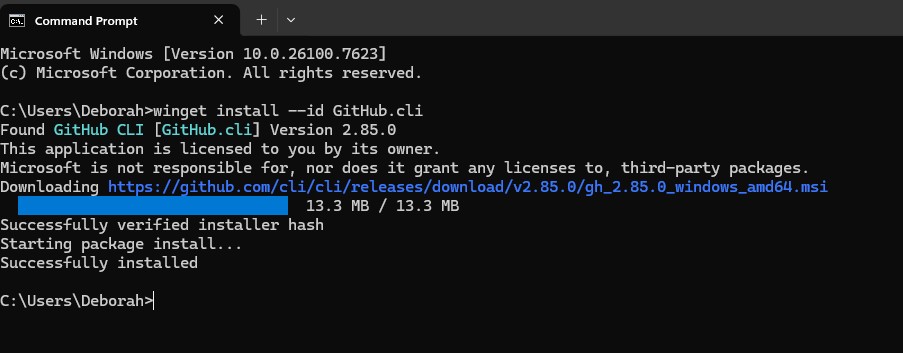
winget install --id GitHub.cli
To upgrade, if you already installed it but are not sure if it is up to date
winget upgrade --id GitHub.cli
This is what you will see
Next type the following (may need to open a new cmd window because the above changed your Windows pathing)
gh auth login
Answer the questions (I used https, Y on credentials etc.)
Go to https://github.com/login/device on a browser as instructed and type in the code from the cmd window display (you may need to create an account if you do not already have one)
On my home computer the next step was easy! I clones the github repository I wanted and then followed their instructions
git clone https://github.com/cgnomads/GSOPs
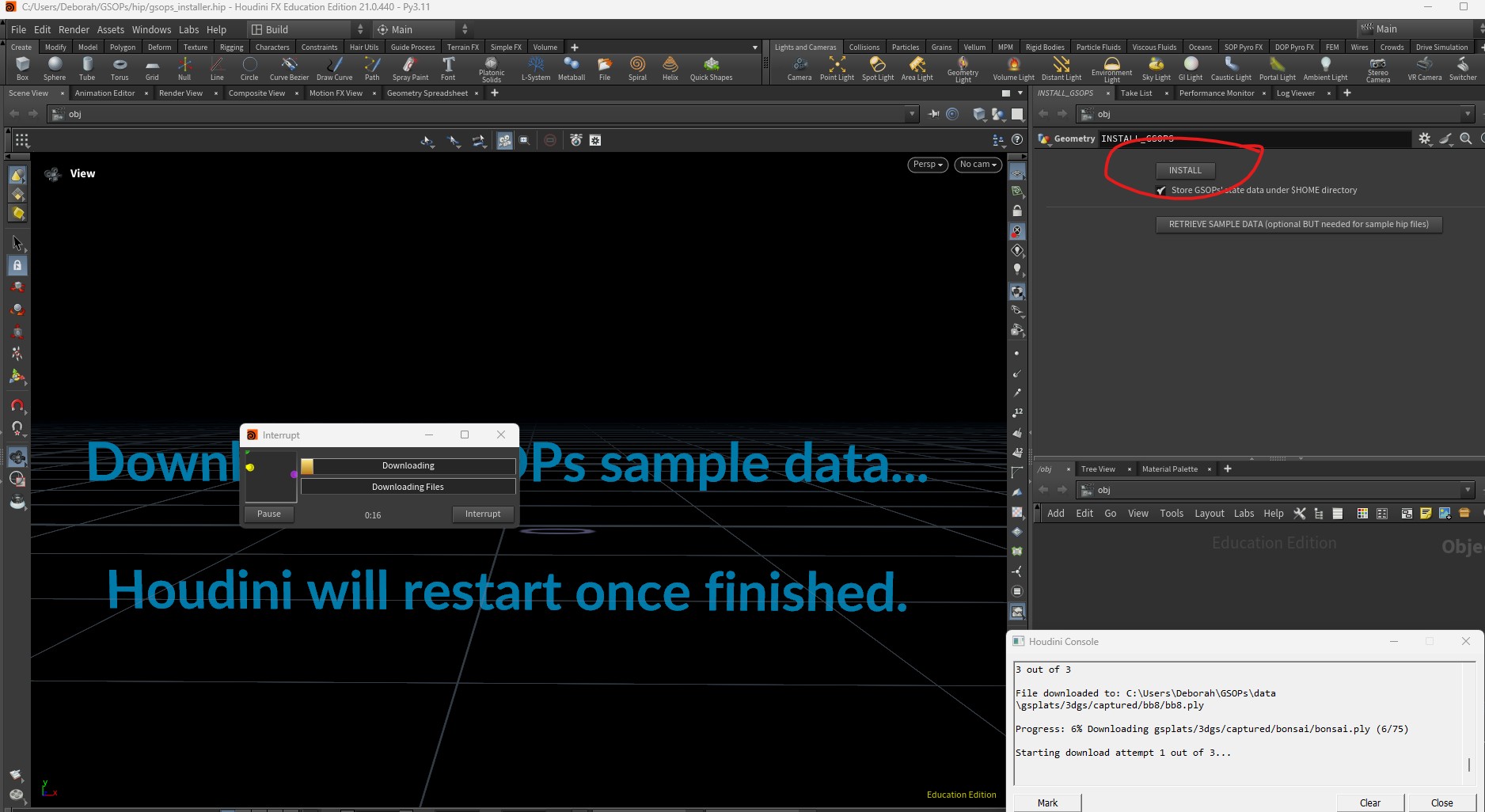
Then I followed the instructions for installing in houdini
https://github.com/cgnomads/GSOPs?tab=readme-ov-file#installation
(click on the install hipnc)
The files will be in
C:/Users/YourUsername/GSOPs
Open Houdini and go to the files in the GSOPs folder - C:/Users/YourUsername/GSOPs/hip/gsops_installer.hip
This was/is being developed by David Rhodes and Ruben Diaz
Troubleshooting git ... the above should work, and worked beautifully on my desktop. However, on my older laptop (Windows 10) I was not able to clone so I went to
https://git-scm.com/install/windows
and clicked download - still was not working so I ran per the instructions
winget install --id Git.Git -e --source winget
still no git, so I added two more things to the existing env variable with "Edit the system environment variables"
"Environment Variables" and under "System variable" click "Edit" then "New" and add
C:\Users\YourUser\AppData\Local\Programs\Git\cmd\
C:\Program File\Git\bin\