Start N Stop - Procedural Pause Animation
Below is a method to procedurally pause an animation with a point wrangle. At the bottom of the page I have also implemented it with a creep sop. You can also use a sop solver. See hints for creep sop.
Also at https://www.youtube.com/watch?v=iX-idLh5J_A
A student was wanting to create the stop and start motion of an ice cream bar machine. Since key-framing is not allowed for this exercise, I created the following example. This will work for any animation where you want a stop and start curve.
https://www.youtube.com/watch?v=aUGixTpMWhc
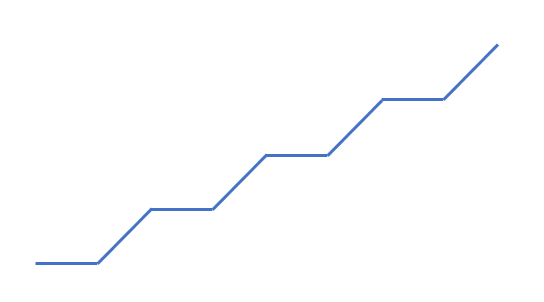
What you really want is a function that looks like this, where it rotates and then pauses, then continues to rotate, then pauses and repeats.

If we isolate the repetitive portion of the curve you can distinguish the static part (horizontal line) and the rising part (sloped line).
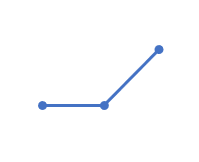
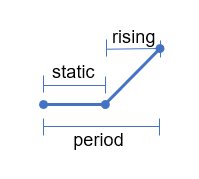
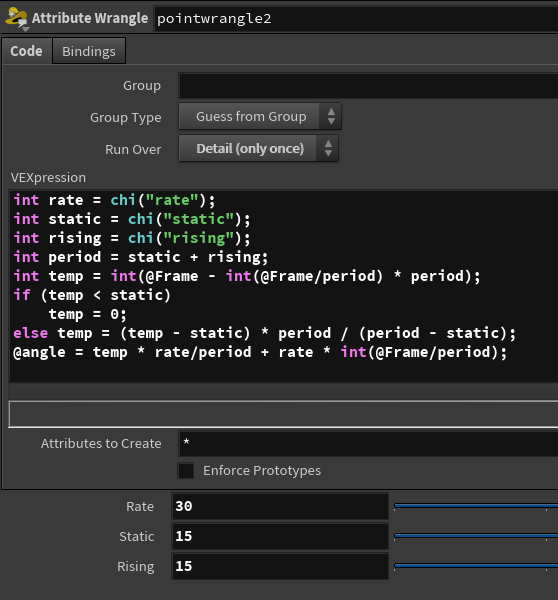
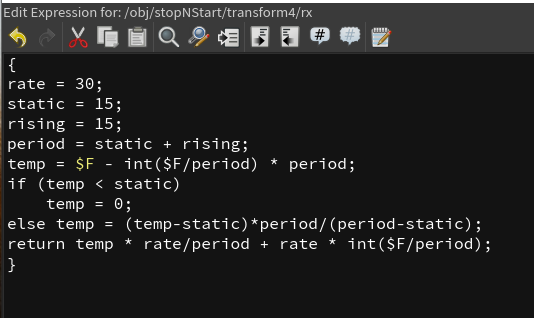
Suppose we call the frame range where it is horizontal static and the sloped part rising. It can be determined that this graph can be created using the following code — either a point wrangle or hscript as pictured below — to achieve the animation seen in the gif. The variable rate is how many degrees it spins during the sloped phase. In this example, 15 frames are static and 15 frames are rising. The reason both are set to 15 is because of the speed of the mechanism coming down with the cookie layers.
@F - int(@F/period) * period is the portion of the graph at a specific frame in the sloped portion — think of it as the current position. If the frame is in the static range, the temp value is zero.
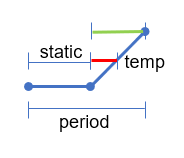
In the sloped portion, the value (temp - static) is the red portion and (period - static) (or rising) is the green portion shown above — this will vary from zero to one — we then multiply by period. The angle is the temp or "current" position times rate/period + rate * int(@Frame/period).
Creep Sop Procedural Pause
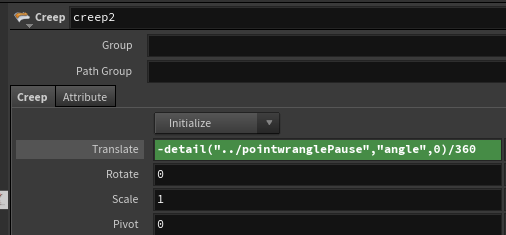
This can be used with a creep sop as well. The key is to ensure your values
are in numbers expected by the translate parameter. Otherwise the code is
identical. The point wrangle is stand-alone (in Detail mode). The
value of angle is referenced using a
detail("../pointwranglePause","angle",0) expression divided
by 360.
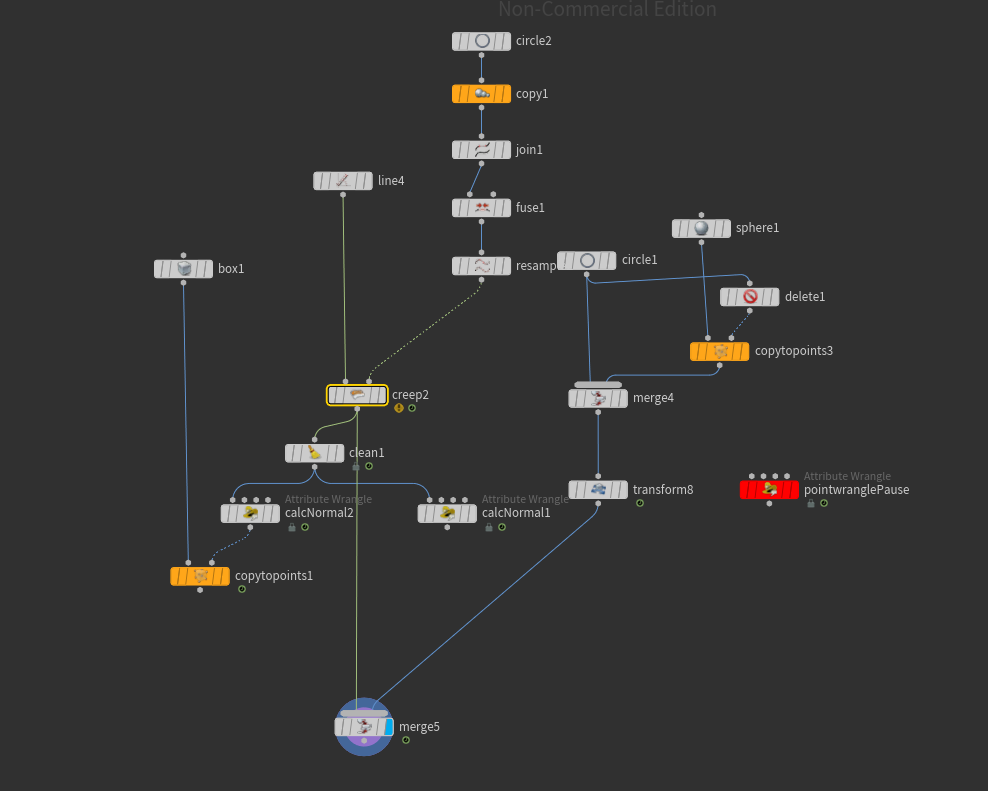
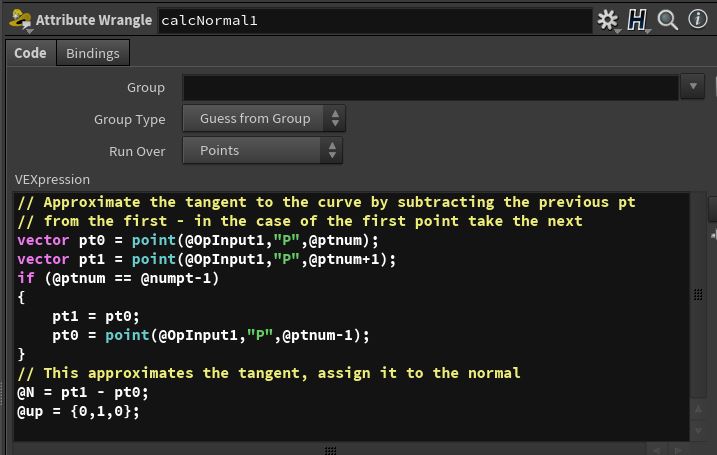
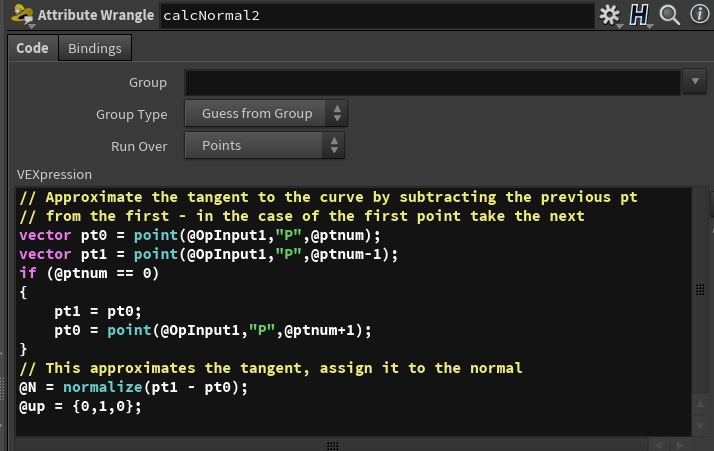
In addition, orientation vectors (tangentu, N, up) can be easily calculated by the code in either calcNormal1 or calcNormal2 — one uses the next point, the other the previous point (seen below). See the orient to a curve section on the tips and tricks page as well.