Deborah R. Fowler
USD, Omniverse and Houdini
Posted June 14 2025
Updated on June 18 2025
Continuing on my USD journey, looking at NVIDIA Omniverse:
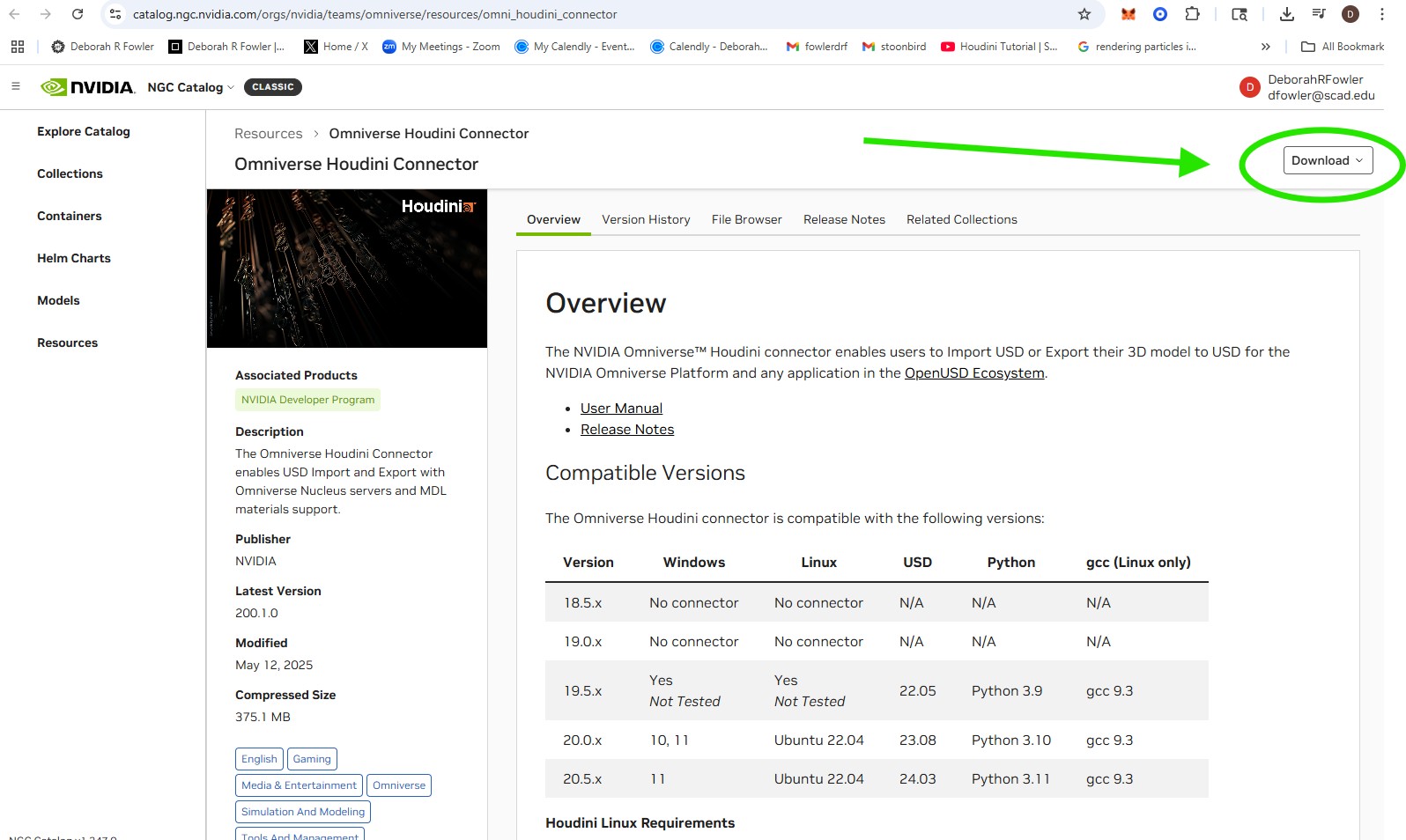
First download the NVIDIA Omniverse Houdini connector
- https://catalog.ngc.nvidia.com/orgs/nvidia/teams/omniverse/resources/omni_houdini_connector
- (you will need to be logged in to your NVIDIA account to download)
When you pull up Houdini you will see "Omniverse" in the top shelf
User Manual https://docs.omniverse.nvidia.com/connect/latest/houdini/manual.html
Tutorials exist https://docs.omniverse.nvidia.com/connect/latest/houdini/tutorials.html
I found this tutorial by edstudios helpful https://www.youtube.com/watch?v=sWfKw2nTltE
Both documents skip over getting USD Composer - you have to install Omniverse (right now we just have the connector for Houdini). NVIDIA Composer is used for similar things like Houdini - 3D world-building and scene creation.
- Go to https://developer.nvidia.com/omniverse,
click on Get Started - I clicked on the Access Omniverse
Launcher which is to be deprecated Oct 1, 2025. (Security
software will ask for permissions).
- In the Omniverse Launcher go to EXCHANGE, search for composer and click install
Now I have the elements I need.
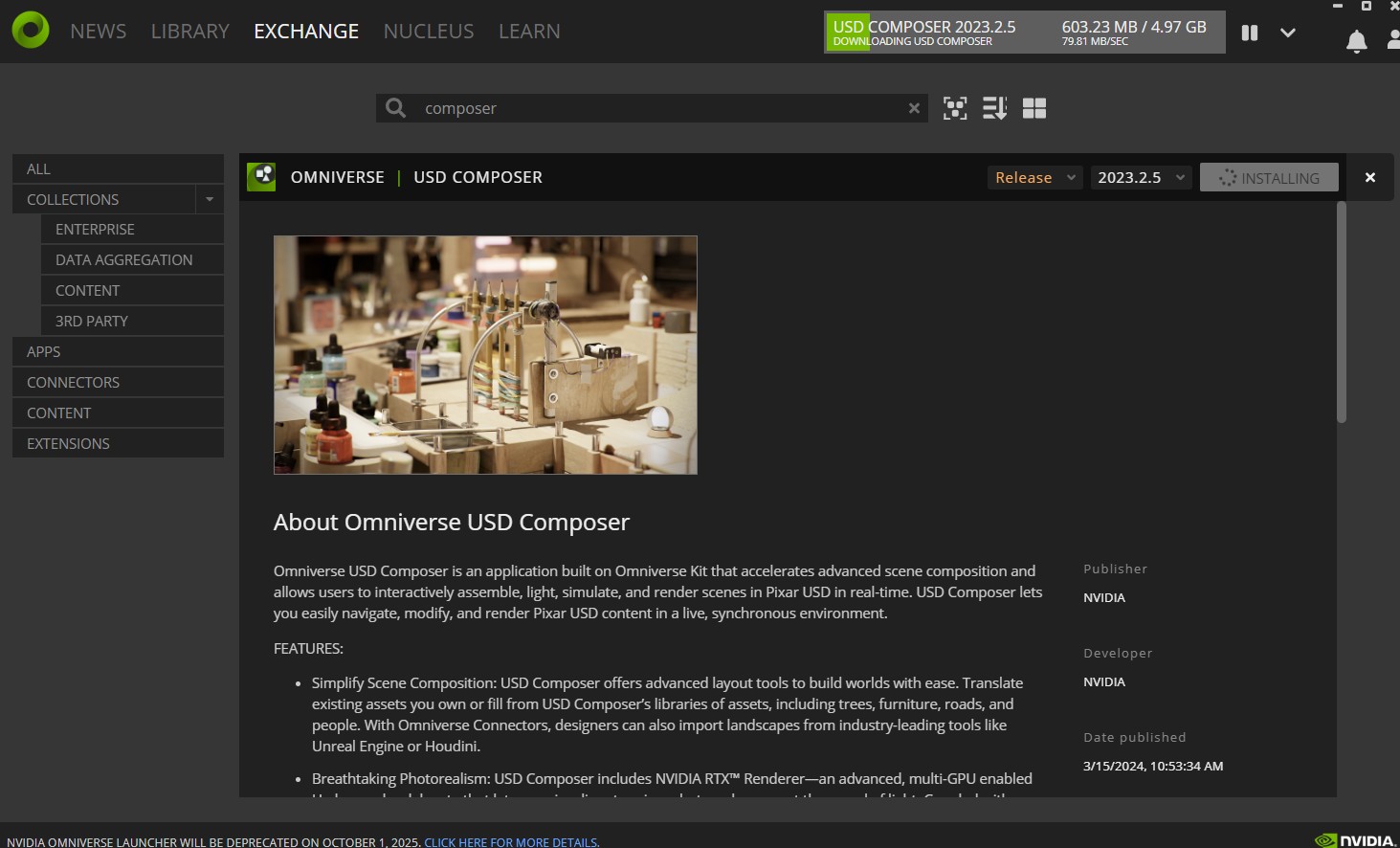
Note - composer took time to install (5-10 minutes)
I added C:\Users\Deborah\AppData\Local\ov\pkg\create-2023.2.5 to my systems variables so I could launch command line (omni.create.bat). I found it better to launch from the Omniverse launcher. I also note that RX loading takes time when opening.
NOTE: versions matter - tests in 20.5.278 revealed materials were broken in houdini when the connector was installed - in 20.5.613 they worked beautifully with either command line husk (of either usd, omni or regular) or in gui.
Following the tutorial by edstudios:
- Create an RDB, cache it,
- bring it into Solaris (scene import all)
- use Omniverse in solaris may need to add the Omniverse to the shelf tools
- in the scene import all, assign World as the destination path in the scene import all
- save (make sure to include the frames)
- open in composer and voila!
So now that I have the pipeline working, why would I use Omniverse composer over solaris? Depends on specific needs and workflow.
Real-time collaboration would be one reason.
To Render:
- Click the symbol in the viewport top left corner to determine size
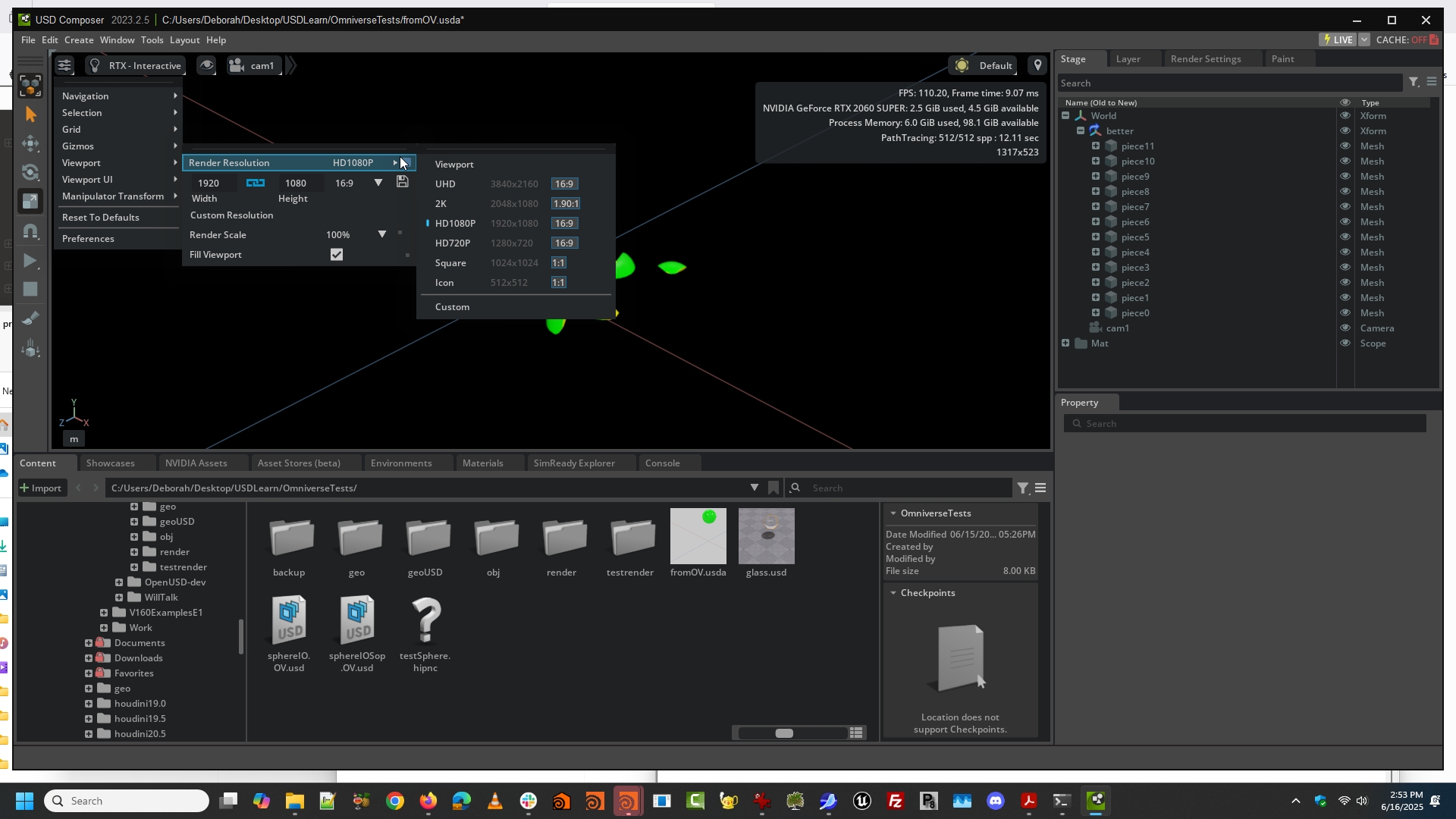
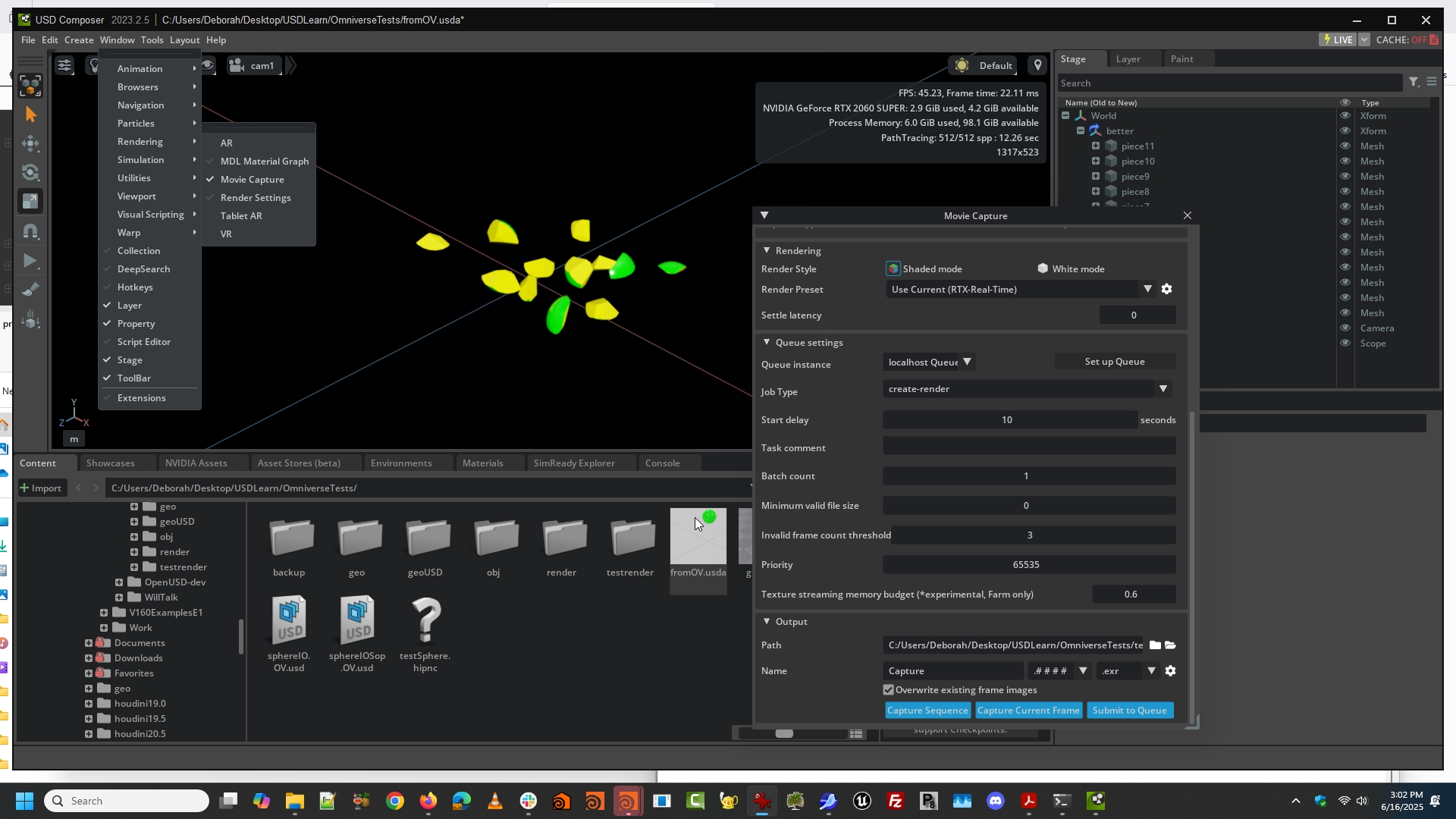
- Capture either RTX - Real-Time or RTX - Interactive (path traced)
Thanks for the video at https://www.youtube.com/watch?v=zDauFC6v2Bo
Problem with Omniverse Spheres