Houdini Looping - For Each including Variation
Houdini is multilingual. In particular, you can communicate with hscript, vex, vops (pictoral vex), python and less commonly C++ (HDK). If you are not familiar with the concept of looping, please see my introduction to programming.
There are many ways to create loops in Houdini including the for-each loop. This is a very powerful node, however it is also useful to understand the copy nodes beforehand. Wrangle nodes require some coding knowledge.
Instancing will be discussed separately.
- copy family:
- copy and transform
- copy to points
- copy to curves
- copy with stamp (deprecated but important)
- wrangle nodes and examples
-
A video showing how to convert a for-each to a wrangle node
- Also at https://youtu.be/2R4BTd5sWyw
-
A video showing how to convert a for-each to a wrangle node
This page is intended to go over the for-each node, however it is useful to understand the copy nodes beforehand.
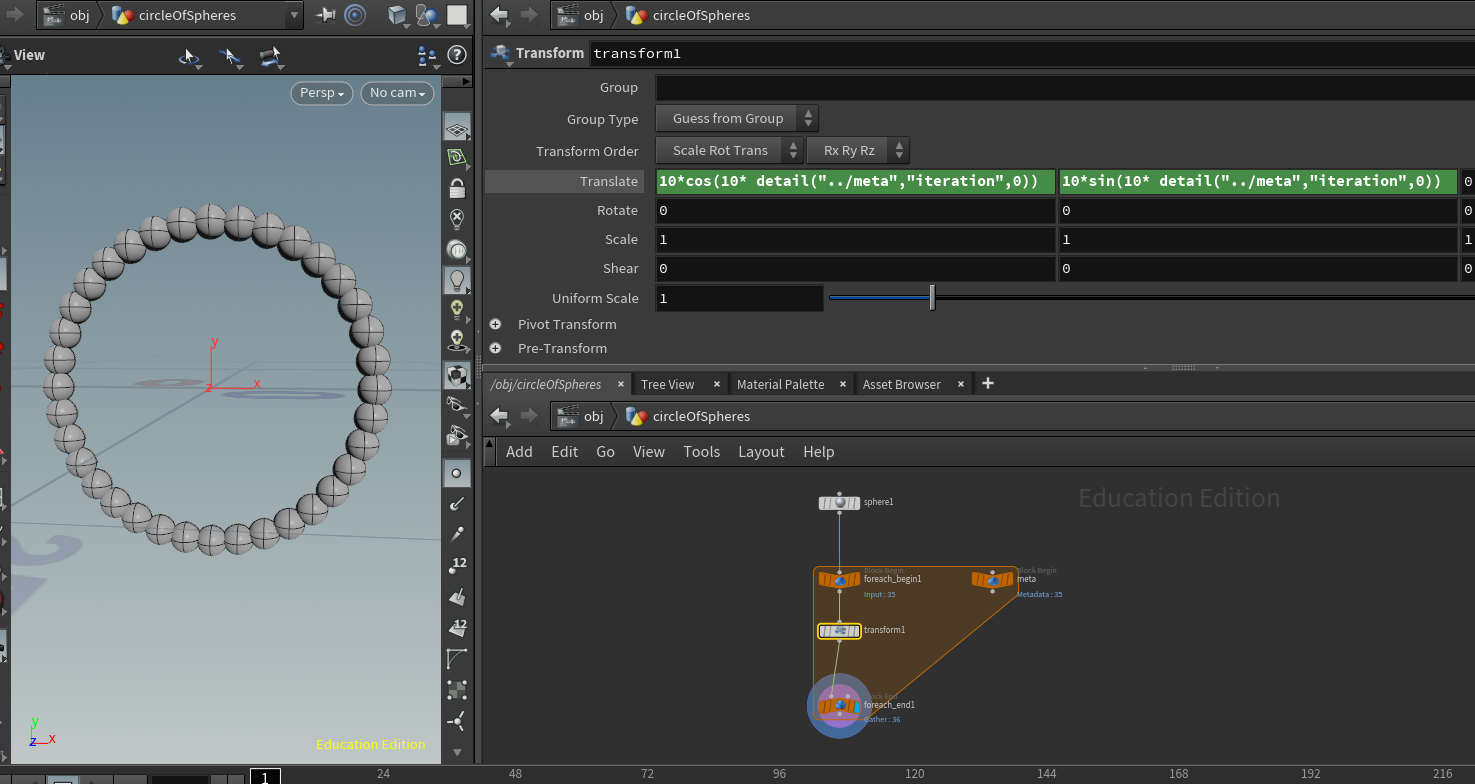
The for-each construct is used here to make a circle of spheres, phyllotactic pattern, and a snowman.
hipnc circleOfSpheresAsForEach.hipncIn a for-each node the meta data is used to grab the "iterator" or copy number.
In the tab menu there appear For-Each Number, Connected Piece, Named Primitive, Point and Primitive. These are simply presets and you can select the options from the parameters in the for-each nodes. Here we are using the for-each Number.
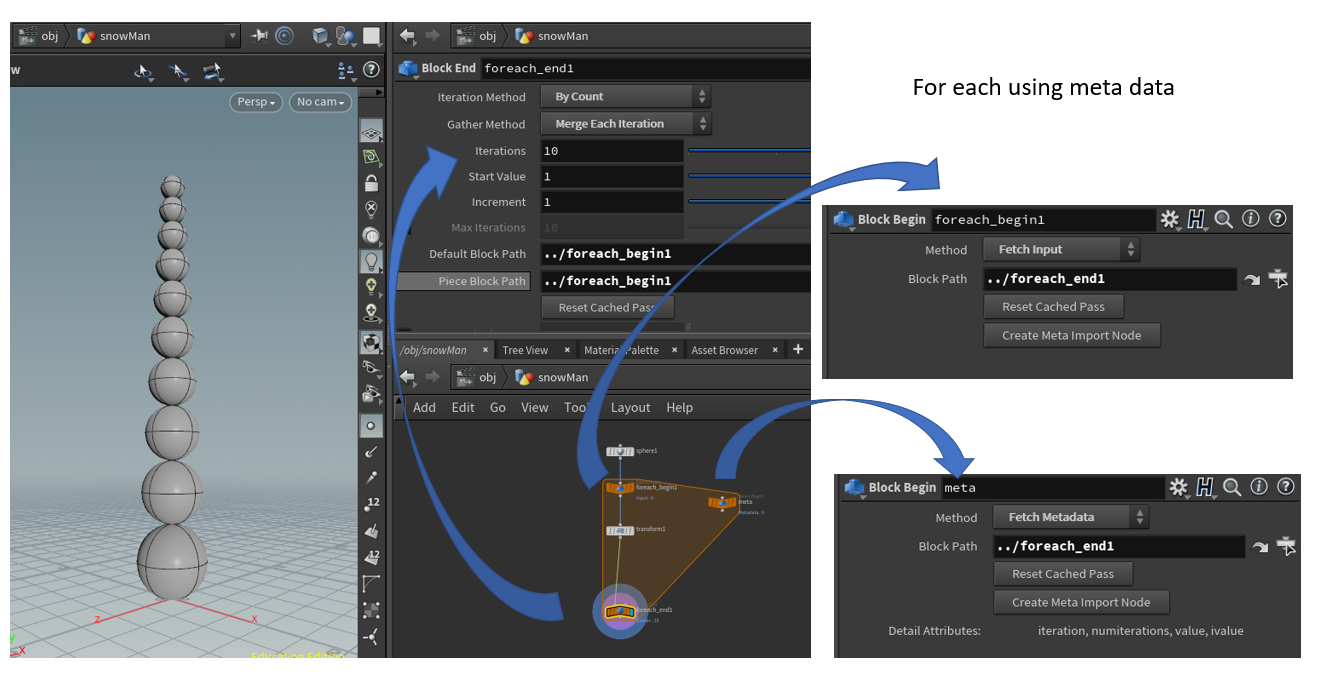
Other uses of for-each are when you are using "parts" of the specific geometry.
Note that the Houdini documentation has some excellent examples as well. There is an example of a copy star copied onto a sphere in the SideFX documentation.
Also, a soccer ball example from SideFX video and start file.
hipnc fionaStartSoccerBall.hipnc (start file)Copy stamping (discussed in copy options) is no longer recommended for variation. Variation can be achieved more efficiently with for-each or vex/create attribute/instancing nodes.
-
A very simple comparison is given here:
hipnc
foreachVsStamp.hipnc
-
If you come across older versions of example files using
copy with stamp, here is now to convert copy with stamp to
for-each
Also at https://www.youtube.com/watch?v=3RBak5ansWg
-
If you come across older versions of example files using
copy with stamp, here is now to convert copy with stamp to
for-each
- The for-each method was demonstrated at GDC 2019 with "Intro to Procedural Modeling: Not Just Another Rock Generator"
- NOTE: Variation with no "for-each" construct required can be achieved with copy to points variants. Below the examples show both for-each and copy-to-points examples.
Examples:
-
hipnc
exampleOptions.hipnc
- shows the for-each method as well as a copy-to-points methods.
- In addition I have added color assignment, grouping and material overrides as well as a note about Vulkan in 20.5
- added a couple of other examples (H18.5, tested in 20.5) to add variation to two objects being packed and also textures tinted
-
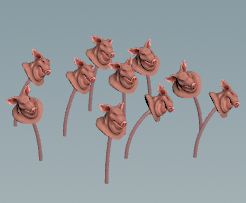 bend variation saved in 20.5
hipnc
pigFlower.hipnc
bend variation saved in 20.5
hipnc
pigFlower.hipnc
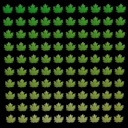
-
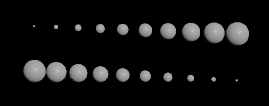 scale up or down
hiplc
foreachScaleUpDown.hiplc
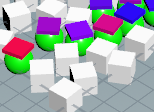
scale up or down
hiplc
foreachScaleUpDown.hiplc
Remember to use packed geometry.